
IMAGE TOOL
Smart crop to your listing frame
Reframe around the product subject when channels require exact pixel dimensions or square mains.
结论:Upload a product photo, enter target width and height (100–5000 px output box sent to the provider), confirm the 1-credit quote, and download the cropped image—inputs outside 256–3000 px per edge or 10 MB are blocked before quoting.
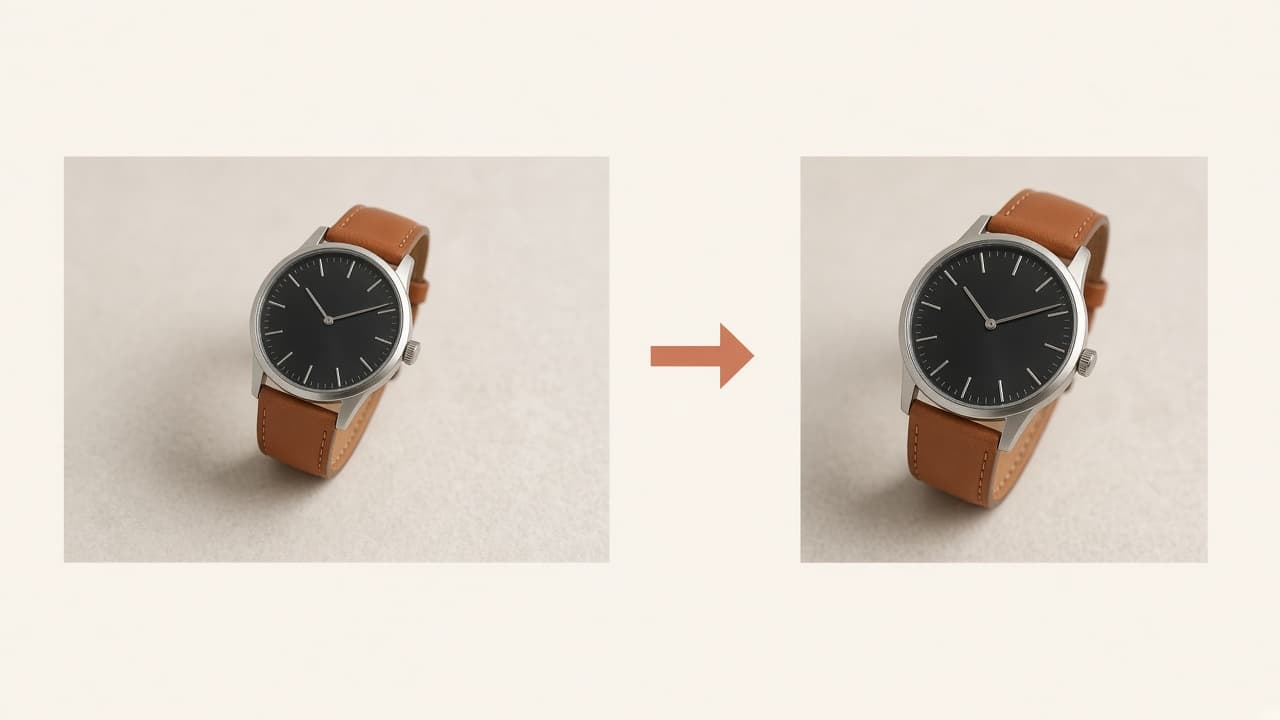
What smart crop does
Smart cropping centers the detected product in your target pixel box—it is not a blind center crop on the full canvas.
SKUVis uses Aidge ImageCropping (sync). Pair with background removal when the subject is already isolated.
How it works in SKUVis
Upload, set target width and height in the workspace, confirm 1 credit, download from History.
- Upload an image within 256–3000 px per edge and 10 MB.
- Enter target width and height (required; use presets in UI when available).
- Confirm the credit quote and submit.
- Verify output dimensions locally before marketplace upload.
Upscaling a tiny master into a large target box may look soft—start from enough source pixels.
What it is not
Crop does not remove backgrounds or invent missing product edges clipped in the source.
Run matting or erase first when the frame includes clutter you do not want in the crop.
Inputs & outputs
What you provide
- One product image
- Target width and height (100–5000 px each)
What you get
- Cropped image at requested dimensions
- Input: 256–3000 px per edge
- 10 MB max
- 1 credit—confirm in app
Common use cases
- 1:1 Amazon main from landscape master
- Shopify collection grid uniformity
- Ad creative sizes after matting
FAQ
Does crop upscale small images?
Output matches your target box; very small sources may look soft.
Crop before or after background removal?
Many sellers mat first, then crop to square.
If crop fails, are credits returned?
Failed or canceled runs show as not charged in History when release rules apply.