
PRIMARY WORKFLOW
Platform-led AI product images
Structured listing photography—not a blank prompt box.
结论:Pick a store profile to build an ordered image plan (roles, aspect ratios, headlines), then generate each slot one at a time from licensed uploads and approved benefits—every generation shows a 3-credit quote before you confirm; planning and reordering slots stay free.
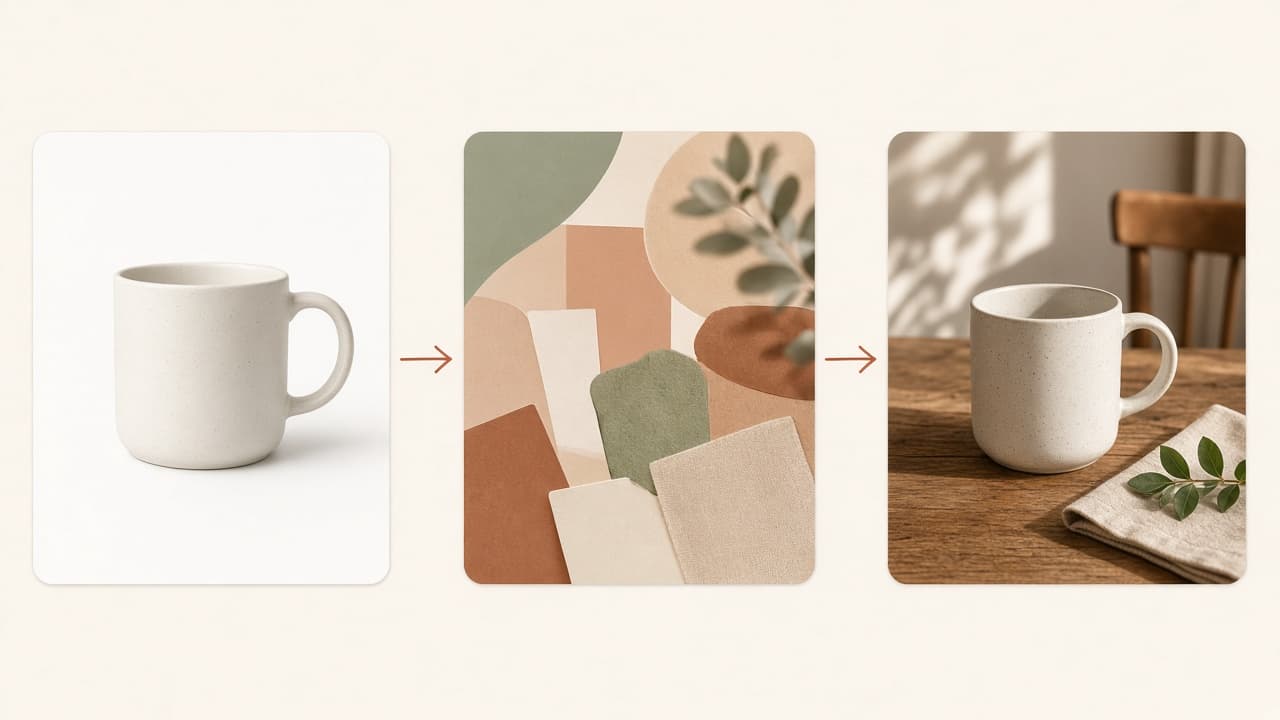
What you get
An editable plan of image roles filled slot-by-slot with PNG outputs in History.
Each slot has a role (hero, detail, lifestyle, spec, etc.), suggested aspect ratio, and headline you can edit before generating.
How it works in SKUVis
Profile → photos & claims → plan → per-slot 3-credit confirmations.
- Open the product images workspace and choose a platform profile.
- Upload licensed references and enter benefits you stand behind.
- Reorder slots or edit headlines to match your launch narrative.
- For each slot, confirm the 3-credit quote and download PNG from History when ready.
There is no bulk generate-all without per-slot confirmation.
What it does not do
No URL scraping for claims, no guaranteed marketplace approval, no invented specs.
Profiles are planning aids—verify Seller Central or listing UI rules before upload.
Inputs & outputs
What you provide
- Platform profile
- Licensed product photos
- Confirmed benefits per slot
What you get
- PNG per plan slot
- Run history
- Planning free
- 3 credits per confirmed product-image generation—confirm in app
Common use cases
- Full Amazon sequence for a new SKU
- Etsy refresh with consistent ratios
- Headline tests before reshoot
FAQ
Does planning cost credits?
No—only confirmed slot generations use credits.
Can I skip slots?
Yes—confirm only the roles you need.
If generation fails?
Failed or canceled runs show as not charged in History when release rules apply.