
VIDEO TOOL
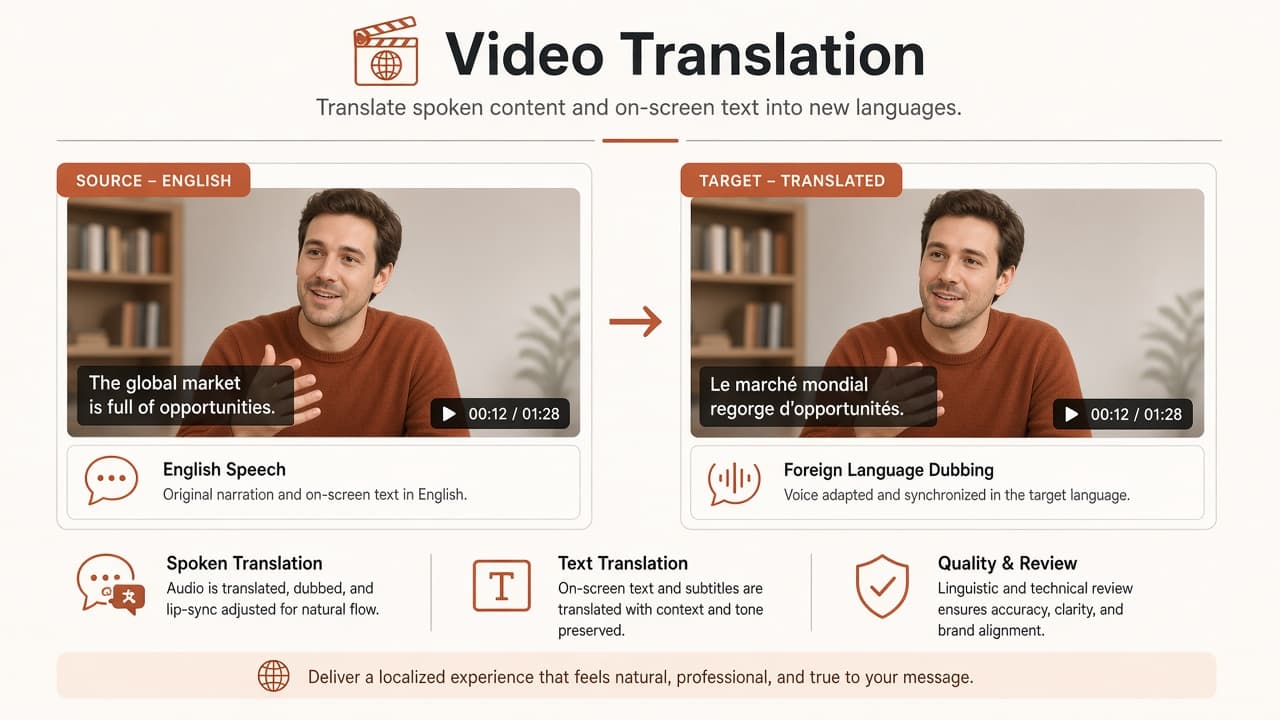
Video translation for global listings
Dub voiceover and/or replace on-screen text without reshooting—verify claims with a native reviewer.
At a glance: Upload MP4 or MOV up to three minutes, select speech translation, visual translation, or both (preset must match capabilities), pick supported source/target languages, confirm 8-, 14-, or 22-credit quote, and download the translated MP4 when the async job completes.
Capabilities and credits
Speech-only (8 credits), visual-only (14 credits), or combined (22 credits)—workspace preset must align with selected capabilities.
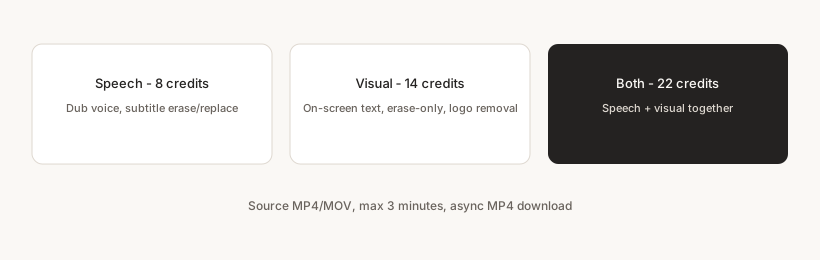
Quality check applies only when visual translation is selected. Erase-only and remove-logo apply only to visual mode.
How it works in SKUVis
Upload ≤3 min video, toggle speech/visual capabilities, choose languages, confirm matching preset quote, download MP4.
- Upload MP4 or MOV; duration over 180 seconds is rejected.
- Select speech, visual, or both capabilities.
- Pick source/target languages allowed for that capability set.
- Set visual-only or speech-only options when shown; confirm 8/14/22 credits and submit.
- Download translated MP4 from History when async status is ready.
Language lists differ between speech and visual modes—use the workspace selectors as source of truth.
What it is not
Not legal certification or guaranteed marketplace approval.
You remain responsible for accurate marketing and regulatory copy in every locale.
Inputs & outputs
What you provide
- sourceVideoAssetId (MP4/MOV)
- capabilities: speech and/or visual
- sourceLanguage, targetLanguage
- Speech: subtitleMode erase|replace
- Visual: eraseOnly, removeLogo, enableQualityCheck (when applicable)
What you get
- Translated MP4
- Async status
- Max duration 180 seconds
- 8 / 14 / 22 credits by preset—confirm in app
Common use cases
- Cross-border Amazon video
- Multilingual ad sets
- Distributor training clips
FAQ
Why did my preset error?
Preset ID must match capabilities—speech-only jobs cannot use the both preset, etc.
Can I upload a 5-minute demo?
No—maximum input length is three minutes.
If translation fails, are credits returned?
Failed or canceled async runs show as not charged in History when release rules apply.