
IMAGE TOOL
Image translation for cross-border sales
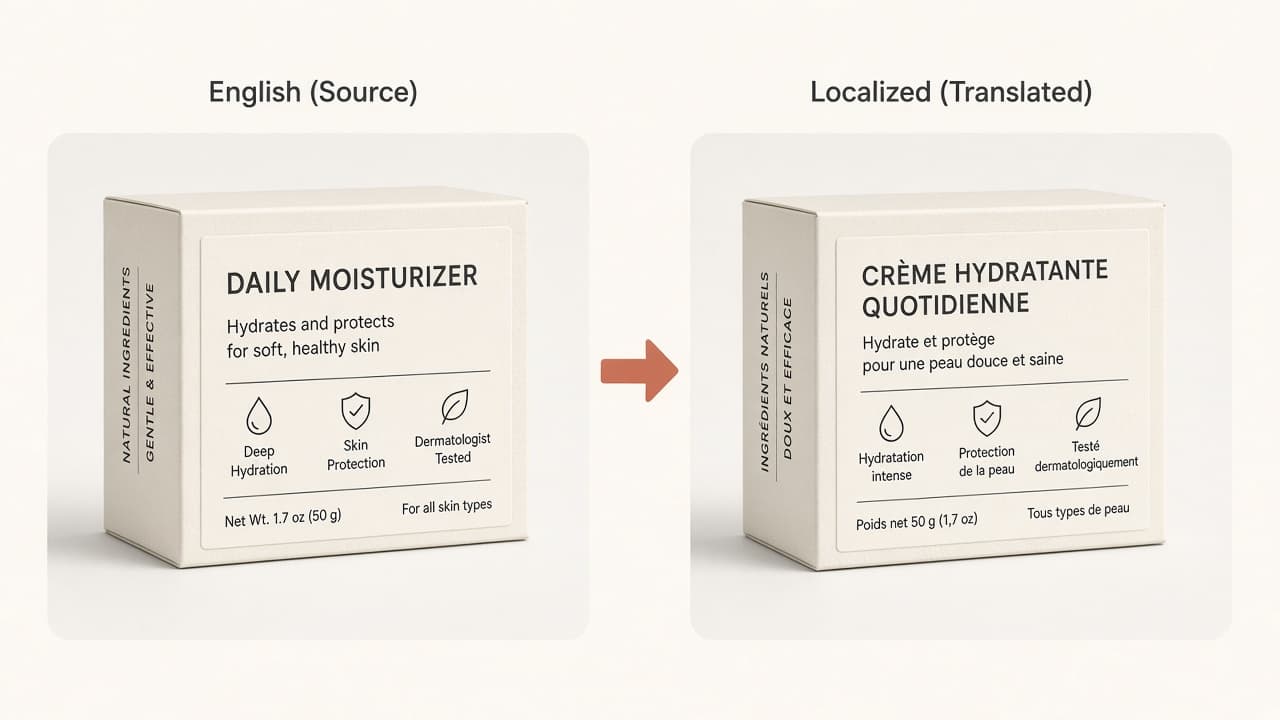
Localize on-photo copy on packaging and infographics when you already have rights to the creative.
At a glance: Upload one product image, choose Plus (English source to supported targets, 3 credits) or Pro (broader languages with optional product-area and brand translation flags, 5 credits), confirm the quote, and download the localized image—each edge must be ≤4000 px and file ≤10 MB or SKUVis rejects before quoting.
Plus vs Pro
Plus is fixed English-to-target for 12 locales; Pro supports auto-detect and many source/target pairs plus optional product-area and brand translation toggles.
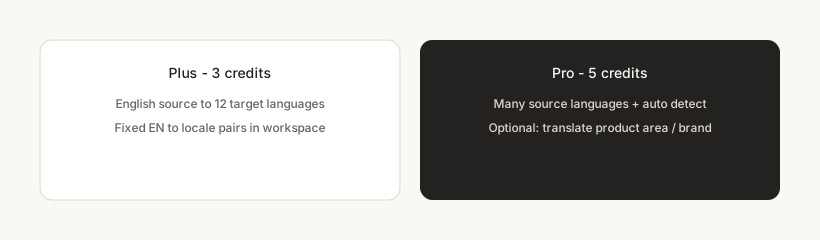
Plus rejects non-English sources. Pro validates source and target against the configured language lists and blocks identical source/target.
How it works in SKUVis
Upload, pick Plus or Pro, set languages and optional Pro flags, confirm quote, download from History.
- Upload within ≤4000 px per edge and 10 MB.
- Select Plus or Pro and choose source/target languages shown in the workspace.
- For Pro, optionally enable translate product area and/or brand text when shown.
- Confirm 3- or 5-credit quote and download the result.
Run element recognition first when you need to see detected text regions before spending translation credits.
What it is not
Not certified legal translation or automatic marketplace compliance.
You remain responsible for accurate marketing and regulatory copy in every locale.
Inputs & outputs
What you provide
- One product image
- Edition: Plus or Pro
- Source and target language
- Pro only: includingProductArea, translatingBrand (optional booleans)
What you get
- Translated raster image
- Each edge ≤4000 px
- 10 MB max
- 3 credits (Plus) or 5 credits (Pro)—confirm in app
Common use cases
- EU listing from US packaging art
- Multilingual ad creatives from one master
- Secondary images after smart erase cleanup
FAQ
When should I use Plus?
When your on-image copy is English and you need one of the Plus target languages—lower credit cost than Pro.
What does auto source mean on Pro?
Pro allows auto-detect among supported source languages—pick what the workspace lists for your file.
If translation fails, are credits returned?
Failed or canceled runs show as not charged in History when release rules apply.