
IMAGE TOOL
Background removal for product listings
Isolate the product for pure-white mains, transparent PNG catalogs, or sized exports—without manual pen tool work on every SKU.
At a glance: Upload one product photo, choose white or transparent matting plus optional output dimensions (and optional white RGB on white mode), confirm the 1-credit quote, and download the cutout from History—uploads outside 100–3000 px per edge or 10 MB are rejected before credits are held.
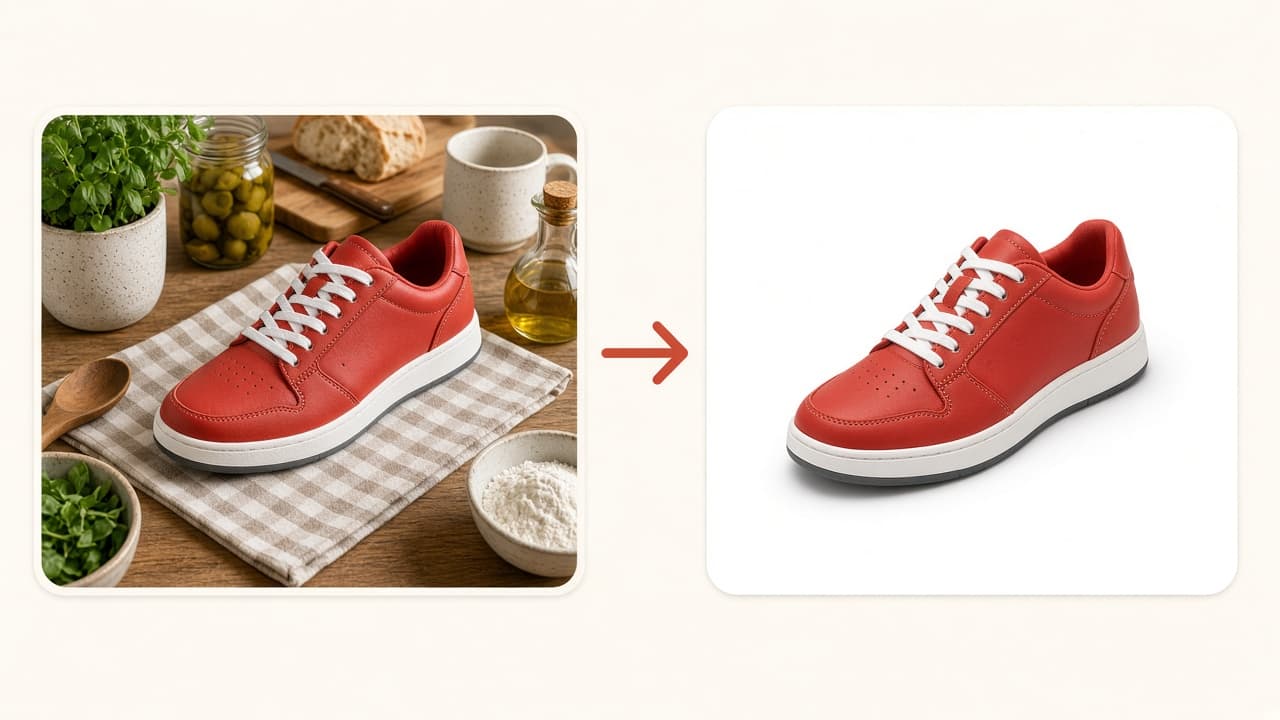
What background removal does
Image matting separates the product from its background and returns a listing-ready cutout—it does not add new camera angles.
SKUVis calls Aidge ImageMatting (2026-04-28 sync). You upload in the workspace; we publish secure URLs, run matting, and attach the result to History.
Output options in the workspace
Pick white or transparent background; optionally set both target width and height together, or custom white background RGB on white mode.
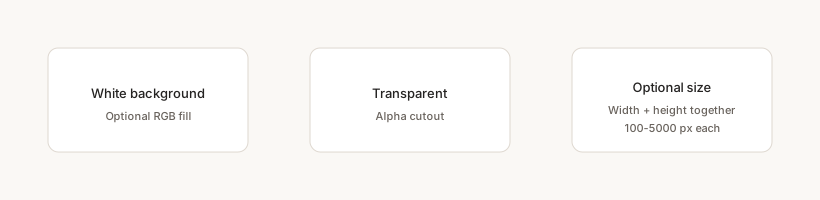
Transparent mode skips custom background color. Sized output helps when you already know the pixel box for a channel.
How it works in SKUVis
Upload, choose background mode and optional size/color, confirm the quote, download when the sync job completes.
- Upload JPG, JPEG, PNG, BMP, or WebP within 100–3000 px per edge and 10 MB.
- Select WHITE_BACKGROUND or TRANSPARENT; toggle optional output width/height or white RGB if needed.
- Review the 1-credit quote and submit.
- Download the matting PNG-style result from History.
Dimension errors show your actual width, height, and file size before quoting.
What it is not
Matting is not Amazon compliance review or automatic pure-white RGB certification.
Verify Seller Central main-image rules yourself. Complex edges may need touch-up after download.
Inputs & outputs
What you provide
- One product image
- Background type: white or transparent
- Optional paired target width/height (100–5000 px)
- Optional bgColor RGB on white mode
What you get
- Matting result in History
Formats: Cutout suitable for marketplace upload
- 100×100 to 3000×3000 px per edge
- 10 MB max
- 1 credit on current preset—confirm in app
Common use cases
- Amazon main on pure white
- Transparent PNG for design comps
- Prep for smart crop to 1:1
- Clean supplier shots before translation
FAQ
White vs transparent?
White suits many marketplace mains; transparent helps compositing. Optional RGB tweaks white mode only.
Can I set only width or only height?
No—set both target dimensions together or leave both empty.
Why was my image rejected early?
SKUVis validates 100–3000 px and 10 MB before the provider call so failed uploads do not hold credits.
If matting fails, are credits returned?
Failed or canceled runs show as not charged in History when release rules apply.